
Most disappointing AI clips fail in the same few ways. The movement is slow and floaty, as if everything is underwater. Two things happen at once and both smear. Or a stranger walks into an empty shop that was supposed to stay empty.
We make short AI clips every day for our own story pages and for VillageToone Studio, and we keep a list of what goes wrong. These seven rules come from that list. They apply to most image-to-video models, and the studio’s own motion helper follows most of them.
Rule 1: Make the start picture the moment just before the action
In image-to-video, the first frame does most of the work. If the picture already shows the jump, the model has nothing left to animate, so it adds wobble instead.
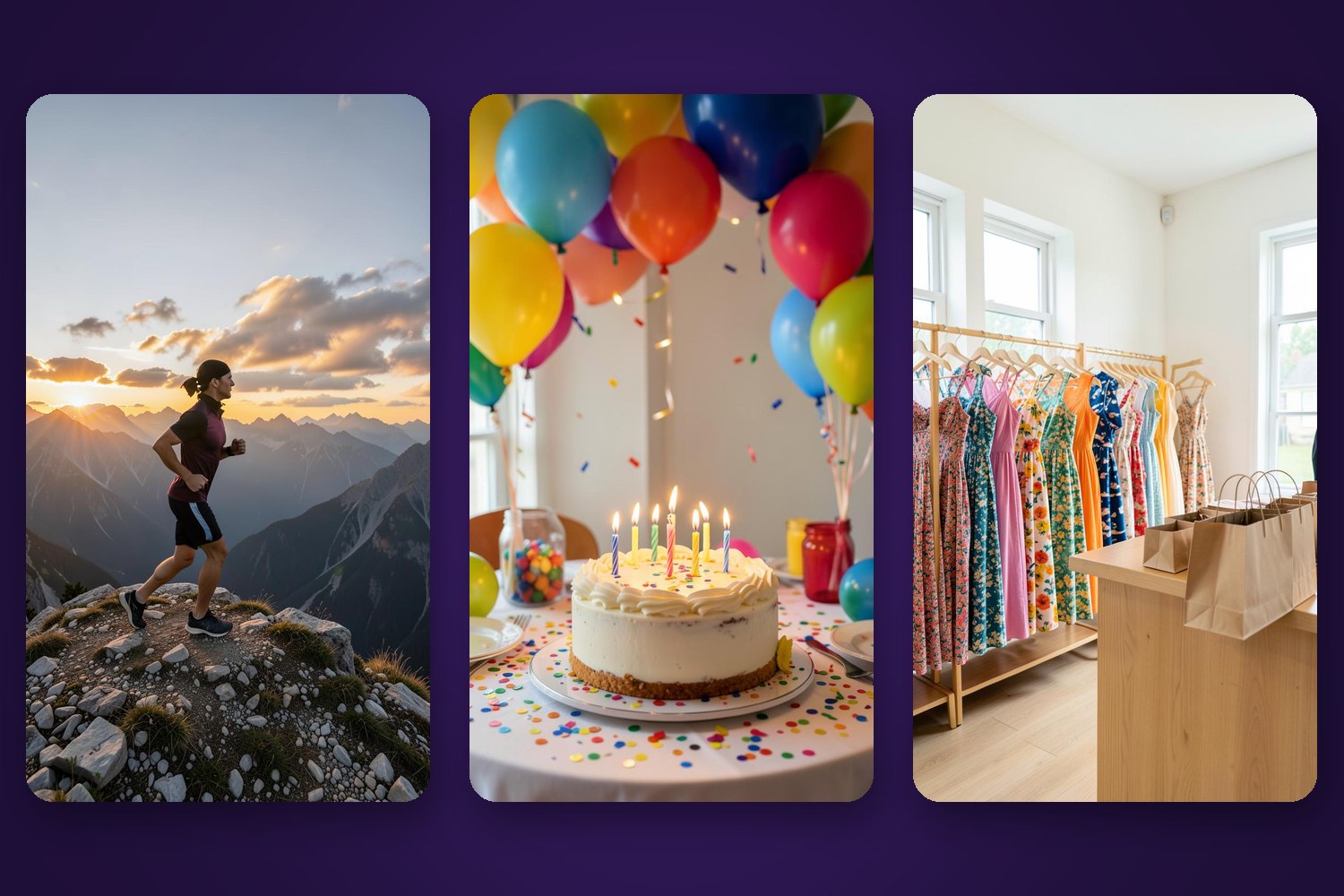
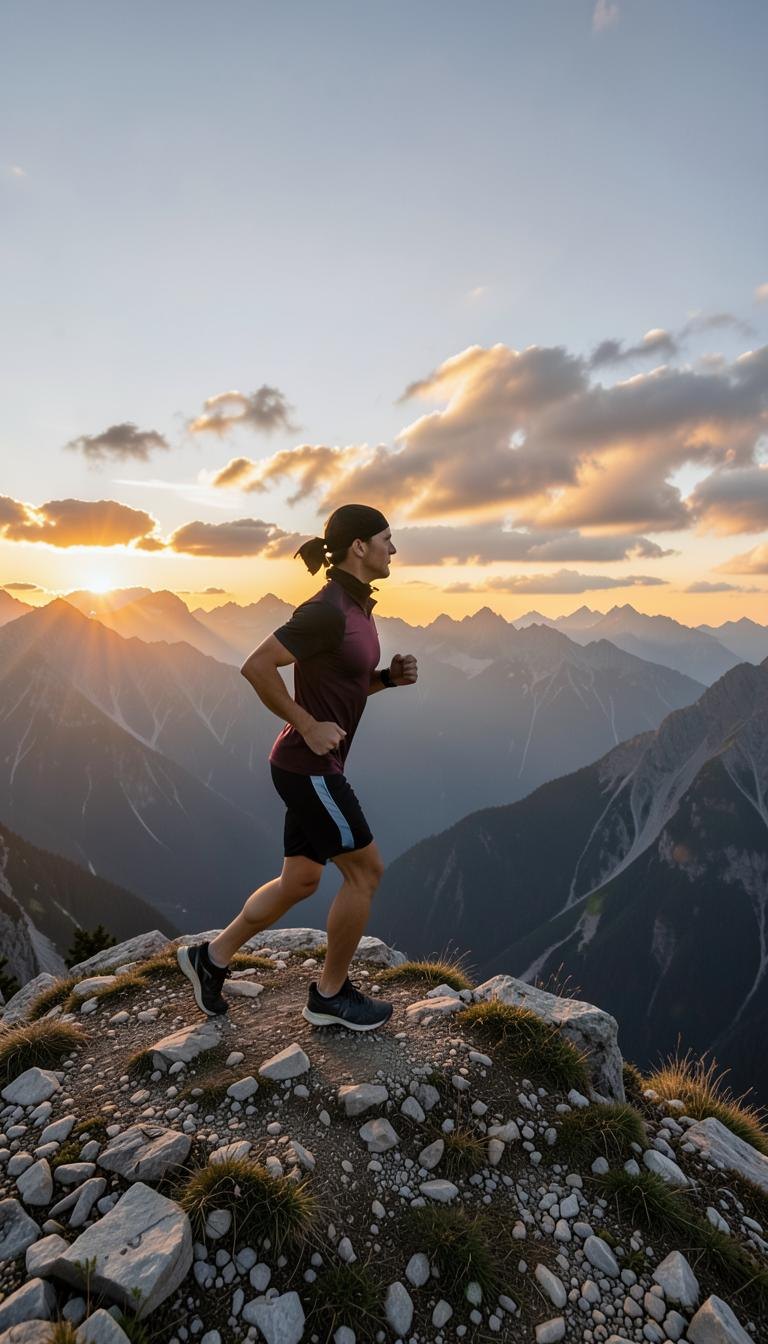
Show the setup instead: the cat crouched at the edge of the counter, the runner leaning into the first stride, the cake with its candles freshly lit. Add a clue to what comes next, like bent knees, a raised paw or a hand reaching for the box. The video then does the action.
Rule 2: One main action per clip
Five seconds holds one clear movement. “The dog runs to the door, opens it and jumps into the car” is three clips. Pick the one that matters and make it big and readable. Background details like steam, leaves or flickering candles are fine as long as they stay in the background.
Rule 3: Use strong verbs and say the result
Weak verbs give weak motion. Compare “the puppy plays in the park” with “the puppy bounds toward the camera across the grass, ears flopping, paws thumping the turf”. The second version names the action (bounds), the path (toward the camera, across the grass) and the result (flopping ears, thumping paws). The model has something physical to draw.
Rule 4: Put times on it, and hold the end
Models pace an action better when you tell them when it happens. Write “at 1 second” or “by 3 seconds” for the key beats. Then end on a held pose for the last second, like a cat sitting with its tail flicking or a cup set down. A clip that settles reads as finished. One that is still moving at the cut feels like a mistake, and a held end also makes the clip easy to join to the next one.
Rule 5: One camera move, or a fixed camera
Choose exactly one: a push in, a slide to the right, an orbit, or “fixed camera”. Two moves fight each other, and moves into empty space cause trouble (see the before-and-after below). For product shots and small spaces, a fixed camera is often the strongest choice. Let the subject move instead.
Rule 6: Give it real weight
Ask for contact and gravity: feet hit the ground, things that fall land, hair and cloth settle after a move. Ending a prompt with “real-time speed, real weight and gravity” helps more than any style word. Weightless motion is the biggest tell that a clip is AI.
Rule 7: Save soft words for the background
Words like floating, drifting, gracefully, dreamy and slow motion turn a main action into mush. Keep them out of anything your character does. They are fine for confetti or snow in the background. Also, don’t describe looks in the motion words. The picture already shows the fur color, the outfit and the room. Spend your words on what moves.
Before and after: three real fixes
These are real prompts from our own template set. The first versions produced the problems described. The rewrites fixed them on the next take.
Home tour.
Before: “Smooth slow walk-through, the camera moves forward into the living room, sheer curtains move in a soft breeze.”
What happened: the camera pushed into the curtains, and a ghostly woman appeared.
After: “The bright, empty living room in the afternoon sun: the leaves of the green plants beside the white sofa sway softly in a light breeze, and warm sunlight patterns move slowly across the wooden floor. The camera slides slowly to the right, keeping the whole room in view.”
Why it works: the camera no longer flies into empty space, and the only moving things are named.
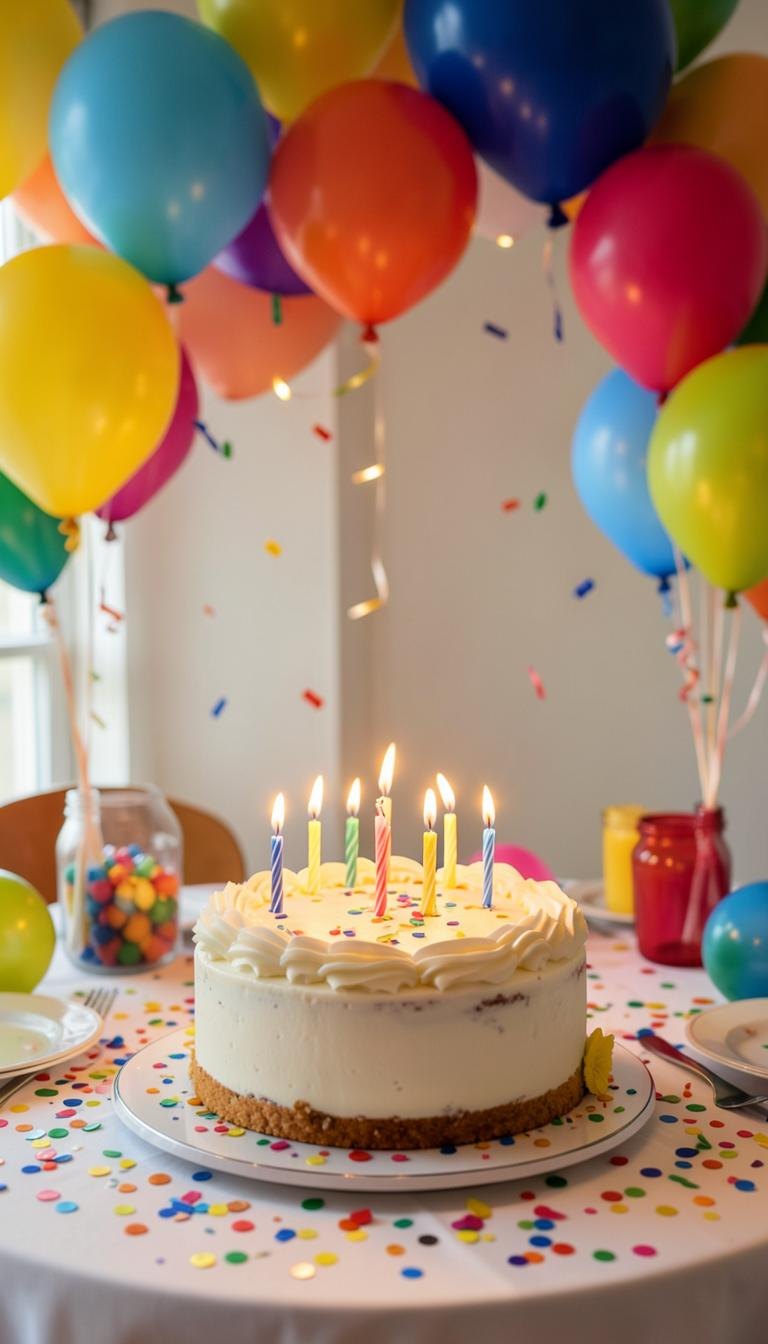
Birthday.
Before: “The candle flames flicker, colorful confetti falls slowly, balloons sway gently, slow push in on the cake.”
What happened: a smeared figure of a man formed over the cake.
After: “Close-up of the birthday cake on the party table: the little candle flames flicker and sway, small pieces of colorful confetti drift slowly down through the air, and the bright balloons above bob gently. Static camera; only the flames, the confetti and the balloons move.”
Why it works: “static camera” removes the push into the empty space behind the cake, and “only the flames, the confetti and the balloons move” tells the model nothing else should appear.
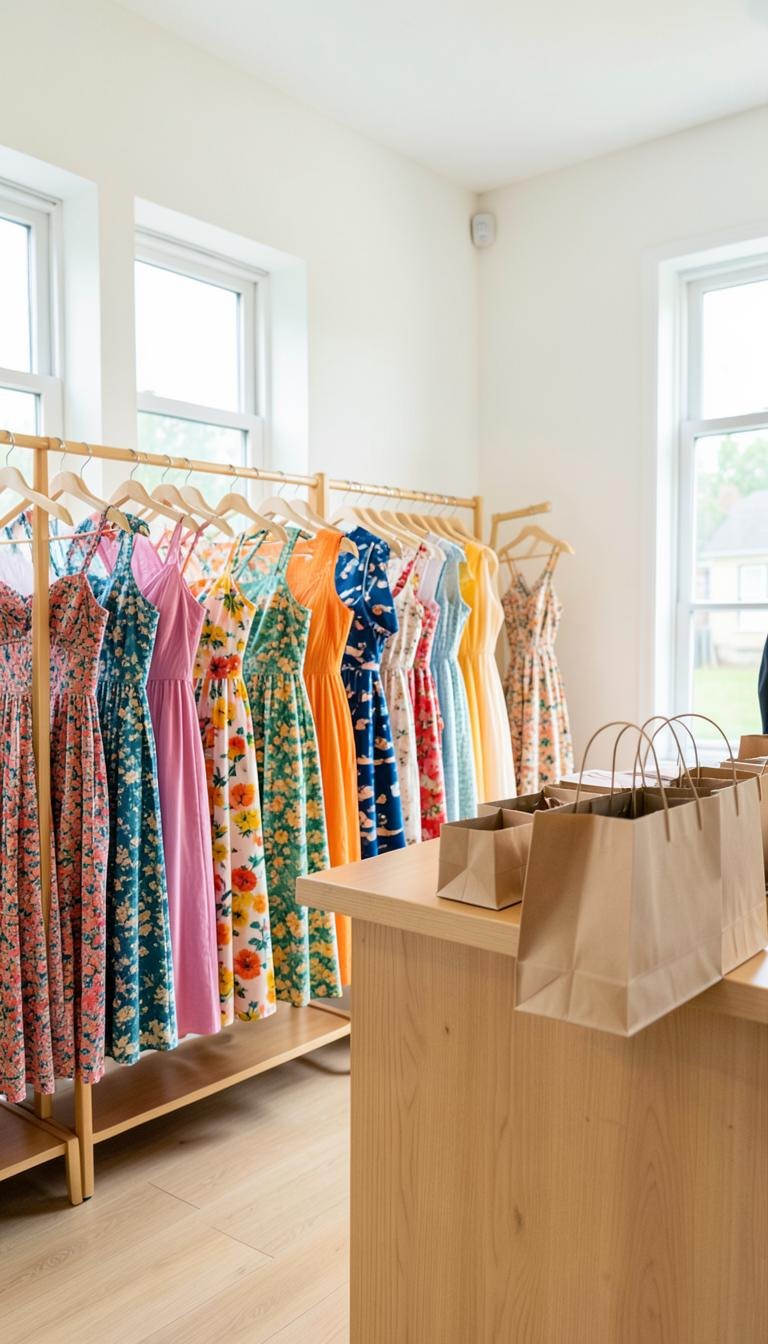
Shop sale.
Before: “The camera glides slowly past the racks, the dresses sway gently, sunlight moves across the shop.”
What happened: a man with a camera walked into the shot.
After: “A quiet, empty clothing boutique in soft daylight: the colorful summer dresses on the wooden racks sway gently on their hangers, and warm sunlight slowly brightens across the wooden floor and the shopping bags on the counter. Static shot; only the dresses and the light move.”
Why it works: “quiet, empty” plus “only the dresses and the light move” keeps people out without ever writing a “no people” line.
One prompt, rewritten with all seven rules
A typical first try: “A cute cat gracefully floating jump onto the table, cinematic, slow motion.”
Rewritten: “The orange cat crouches on the floor, then springs onto the kitchen table at 1 second; its paws land and skid on the wood by 2 seconds; it sits up, tail flicking, and holds the pose for the last second. Fixed camera. Real-time speed, real weight and gravity.”
That is one action with strong verbs and timed beats, a held end, one camera choice and real weight. The start picture for it shows the cat crouched and looking up at the table.
Let the studio do it for you
In VillageToone Studio you can type a short idea in your own words, even in another language. Tap Make my prompt better and the studio turns it into a full prompt that you can read and edit before you make anything. Or leave Auto-detail on: when you tap Make, a short idea becomes a detailed scene by itself, and Undo brings your own words back. When you turn one of your AI pictures into a clip, the motion helper writes motion words that follow these rules. The prompt helpers are free to use, with a daily limit.
Not sure where to start? Pick one of the templates on our home page and change the words.